What Business Email Compromise Actually Looks Like — And How to Stop It
BEC attacks don't look like movies. They look like an email from your CFO. Here's what to watch for and what you can do about it.
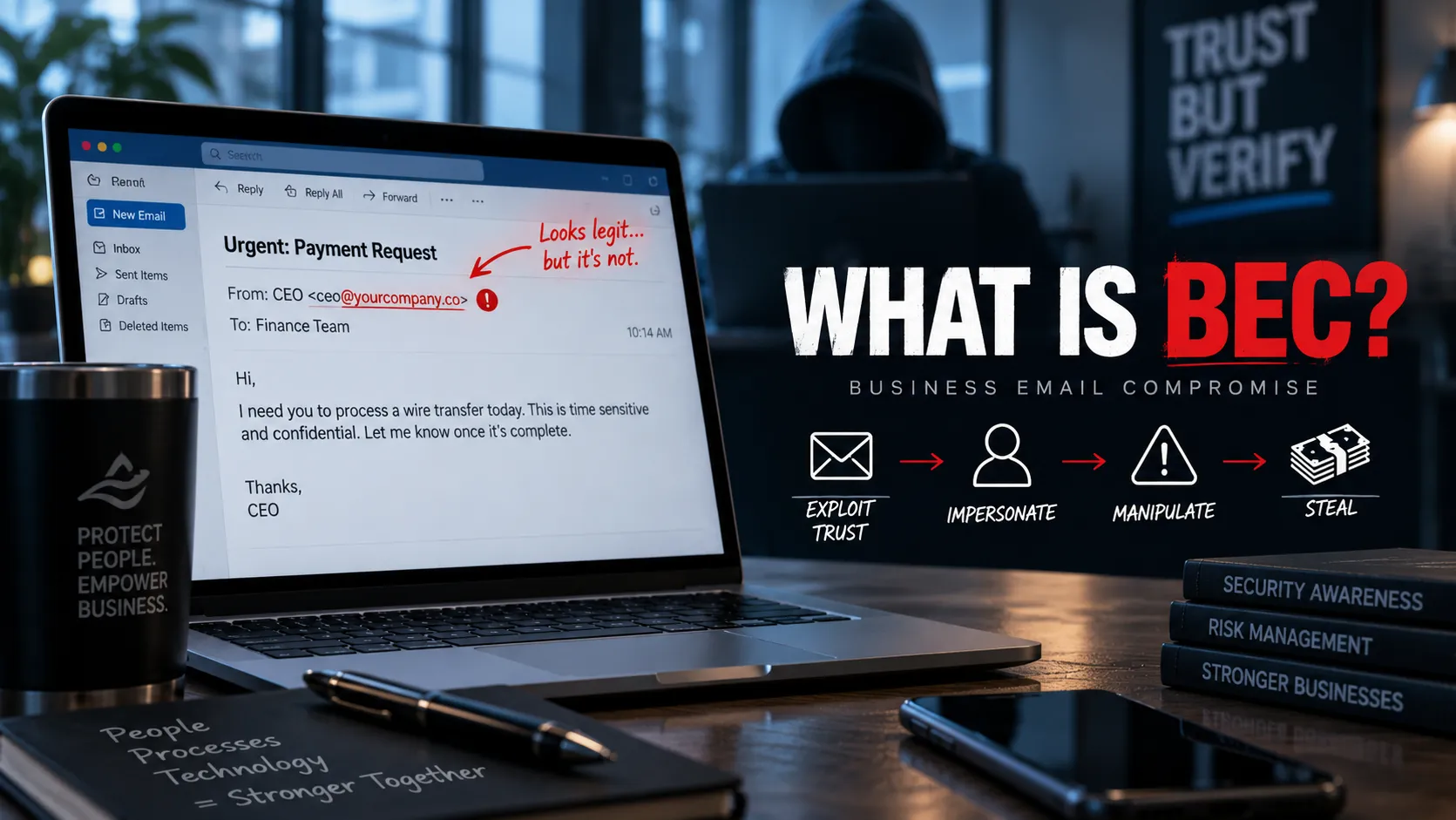
Business email compromise (BEC) is consistently one of the top sources of financial loss for small and midsize businesses — not because it’s technically sophisticated, but because it’s socially precise. The attack isn’t trying to break through your firewall. It’s trying to get someone on your team to wire money or change payment details by pretending to be someone they trust.
Here’s what it actually looks like in practice, and what you can do about it.
What BEC Looks Like in the Real World
The most common scenario: an employee in accounting receives an email that appears to be from the CEO, CFO, or a known vendor. The email requests an urgent wire transfer, a change to a vendor’s bank account details, or gift card purchases for a client.
The email looks legitimate because:
- The display name matches (“Adam Smith - CEO”)
- The email address is a convincing lookalike (adam@coastaltech-llc.com instead of adam@coastaltech.com)
- The tone matches how the person actually writes
- The request creates urgency (“I’m in a meeting, need this done in the next hour”)
In more advanced cases, the attacker has actually compromised a real email account — meaning the email genuinely does come from your CEO’s address. This is where Microsoft 365 identity monitoring becomes critical.
The Three Most Common Entry Points
1. Credential phishing — a convincing fake Microsoft login page captures real credentials. The attacker now owns the account.
2. Password spray attacks — automated tools try common passwords against a list of email addresses. If you don’t have MFA enforced, this works more often than it should.
3. Lookalike domains — the attacker registers a domain similar to yours and uses it to impersonate internal leadership or known vendors.
What You Can Do
The good news is that the most effective defenses are straightforward:
- Enforce MFA on all accounts — this stops credential theft cold in the vast majority of cases
- Enable risky sign-in alerts in Entra ID — you want to know when someone logs in from an unusual location or device
- Set up mailbox rules auditing — attackers often set auto-forwarding rules after gaining access; monitoring for new rules catches this early
- Establish a verbal verification process for payment changes — any request to change wire details or banking information should require a phone call to a known-good number, not a reply to the email
Where Noetis Fits
This is exactly the threat class Noetis is designed to surface. Risky sign-in detection, impossible travel monitoring, mailbox rule auditing, and plain-language alerts that don’t require a security analyst to interpret.
If you’re running Microsoft 365 and you’re not actively monitoring these signals, you’re flying blind on one of the most active threat categories targeting businesses your size.
Want to talk through your current exposure? Get in touch — first conversation is always free.