Your employees aren't stupid: spotting fake login pages has become nearly impossible
Why the 'check the URL' advice we've been giving employees for a decade has quietly stopped working—and what that means for how IT thinks about phishing defense.
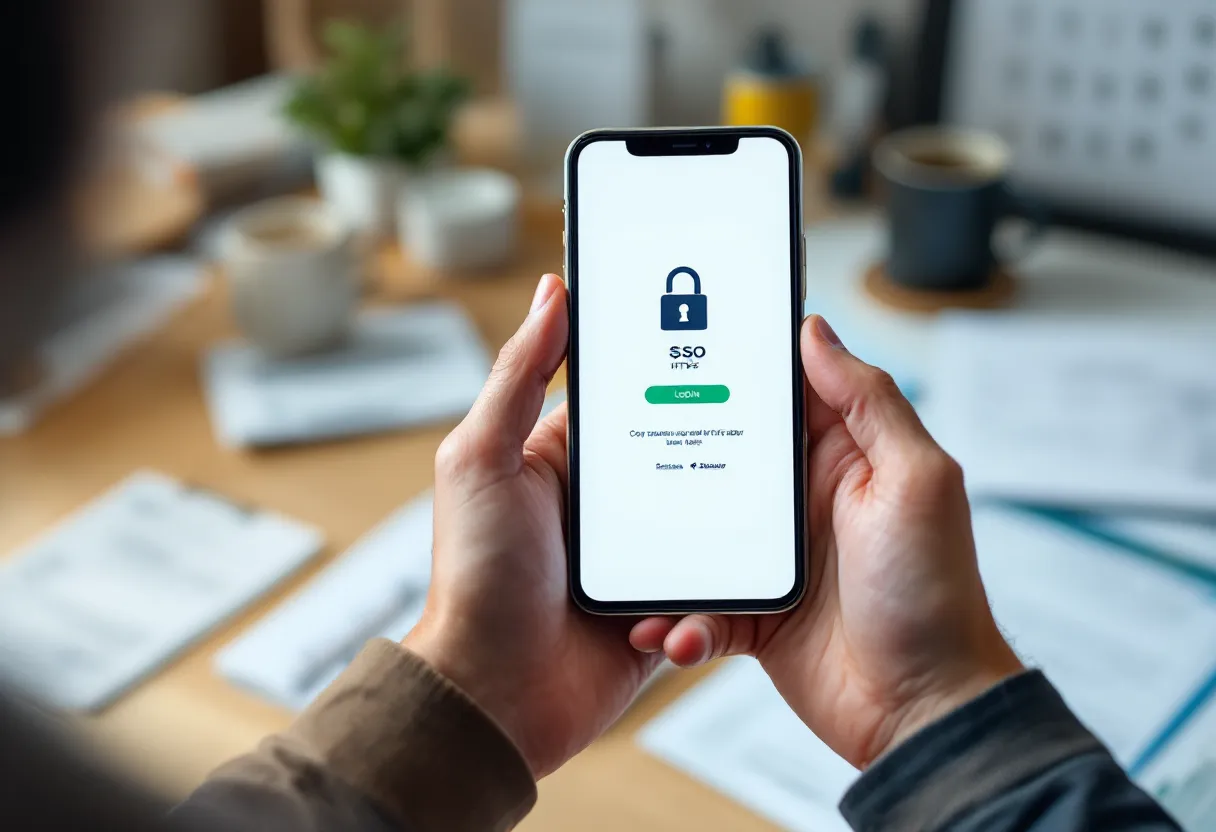
Picture this. You’re an employee, moderately careful, not reckless. You get a notification that looks like your company’s SSO portal. You click through, land on a page that looks exactly right, enter your credentials, complete the MFA prompt. Everything resolves normally. You go back to work.
What you didn’t notice: the domain in the address bar was off by one character. The page you “logged into” was actually a reverse proxy serving the real login infrastructure through an attacker-controlled site, capturing your credentials and session token in transit. The padlock was there. The page looked perfect. You did everything right, and it didn’t matter.
That scenario isn’t theoretical. And it’s the thing I keep circling back to when I think about how we’ve been training employees to spot phishing.
The advice we keep repeating
You know the checklist. Check the URL. Look for HTTPS. Hover before you click. Trust your gut.
For a long time, that advice made reasonable sense. Phishing pages from ten years ago were often obviously wrong. Misspellings, weird formatting, broken images, no SSL certificate. A reasonably careful person with a moment of attention could catch most of them. So we built the playbook around human visual inspection: awareness posters, annual training modules, phishing simulations with little gotcha emails designed to catch whoever clicked.
The whole model quietly assumes the employee’s eyes are the last line of defense. And when someone clicks anyway, the model has a built-in explanation: they weren’t careful enough.
That’s a comfortable framing for IT and security teams. Uncomfortable if you actually think it through.
What attackers actually build now
Here’s the thing about modern phishing infrastructure: it’s not trying to fool careless people. It’s trying to fool careful ones.
Reverse-proxy phishing kits serve the actual, real login page through a fake domain. Not a clone. The real page, proxied through attacker-controlled infrastructure, with credentials captured in transit. The SSL certificate on the fake domain is valid, because getting a cert for a lookalike domain is not hard. So the padlock is green. The page loads correctly. The MFA prompt fires. Everything works as expected, because technically everything is working.
On top of that, some attacks layer overlays directly on official pages rather than redirecting users at all. And the delivery mechanism isn’t always a sketchy email link. Employees searching for their payroll portals through Google have been tricked into landing on attacker-hosted pages surfaced through search results, served from residential IP addresses specifically to evade detection and stay off reputation-based blocklists. Unprotected mobile devices with no security logging round out the infrastructure, making the whole chain harder to trace.
So the attack arrives through a normal-looking search. It loads on a normal-looking page. It passes a normal-looking MFA step. And it bypasses the entire mental model your employees were trained on: “watch out for suspicious links in email.”
Why humans were never going to win this
Let me be honest about something. The failure here isn’t really a training problem. It’s a structural one.
Parsing a URL correctly sounds simple until you’re on a phone where the browser truncates the domain, or you’re clicking through an SSO chain that hops across three legitimate-looking subdomains, or you’re using a vendor whose actual domain looks like a string of random characters someone generated in 2019. “Looks wrong” stopped being a reliable signal. Legitimate infrastructure is weird now. Attackers know that.
And then there’s the cognitive load problem. We’re not asking employees to be careful once. We’re asking them to be vigilant on every login, on every device, forever, under time pressure, while doing their actual jobs. One comment I came across in a discussion of overlay-based phishing stuck with me: users “forget about the URL,” and if you teach them once, in a month they’ve already forgotten.
That’s not cynicism. That’s just how working memory under normal conditions operates.
The asymmetry is brutal. The attacker needs one click, from one tired person, on one bad day. The defender needs every employee, across every device, on every login attempt, forever, to notice a detail that increasingly doesn’t look like a detail.
This isn’t a stupidity problem. It’s a perception problem we’ve handed to the wrong layer of the stack.
What this means for how IT should think
I think the design assumption probably needs to flip. Not “train harder so humans catch it” but “assume the human won’t catch it, because the attack was designed so they can’t, so what else do we have?”
Which means the interesting question shifts. If credentials and session cookies are going to get captured sometimes, regardless of training quality, then the architecture question is: how do we make captured credentials less useful? What parts of authentication can we stop asking a human to visually verify at all?
I want to be careful here, because I’ve seen this exact space get oversold. There are directions worth exploring in the literature, things like phishing-resistant authenticators that bind to the origin, conditional access policies that question sessions arriving from unusual contexts, tighter session lifetimes, hardware-backed keys. I’m not prepared to crown any of those as the answer, partly because the honest state of things is that none of them cleanly solves the problem at every layer, and partly because what works in one environment is a headache in another.
It’s also worth asking what phishing simulations are actually measuring. If the metric is “click rate,” is that measuring organizational risk, or is it measuring who happened to be running on four hours of sleep when the test arrived? I’ve found that question tends to make security teams uncomfortable, which probably means it’s worth sitting with.
The simulation industry is built on the assumption that training moves the needle in a durable way. That assumption deserves more scrutiny than it usually gets.
Where that leaves us
I keep coming back to this: if the last line of defense was never really the employee’s eyes, then we’ve been measuring the wrong thing and blaming the wrong people for failing it.
The employee who got proxied through a perfect-looking login page and handed over their session token isn’t stupid. They did what a careful person would do. The attack was just designed to beat careful.
So what’s the next conversation with your IT team actually about?
I genuinely don’t know if there’s a clean answer yet. That’s not a satisfying place to land. But I think it’s the honest one.
Related: if the employee’s eyes were never the real last line of defense, the account layer has to be watched instead. Noetis is our continuous account-monitoring service for Microsoft 365 — it watches for the signs a session or account has been taken over, after a fake login page has done its damage.